
Building
Lumber Tycoon 2 building guides: blueprints, Easy Building, plot expansion and the Link's Logic wiring and gates that automate cutting, sorting and delivery.
Introduction
Building is where Lumber Tycoon 2 separates itself from the rest of the Roblox tycoon genre. Any player can place a structure, but the game also hands you blueprints, a blueprint manager, a convenient build mode and an entire wiring system with buttons, levers, pressure plates and logic gates. That combination turns a plot from storage space into a machine. You can run a conveyor line that feeds a sawmill, sort species automatically, or trigger lights and doors as your timber mover passes a sensor. This section covers what each building system is for, how the blueprint tools fit together, and where the logic parts come from, so you can design a base around what you actually do rather than copying a layout that assumes different wood or a different plot.
Building Systems
| System | Where To Get It | Cost Type | What It Unlocks |
|---|---|---|---|
| Blueprints | Purchased or found in the world | In-game money | Structures that can be re-placed instead of rebuilt by hand |
| Easy Building | Build mode | Game pass for the full version | Faster placement without manual alignment |
| Land expansion | Land store | In-game money, repeatable | More surface for mills, conveyors and roads |
| Wiring and logic gates | Link's Logic | In-game money | Automatic triggers for doors, lights and machinery |
| Conveyors and lasers | Building catalogue | In-game money | Moving, sorting and delivering timber without manual hauling |
Build Components
Blueprints And Manager
The tools that let a structure be saved, rotated and placed again instead of rebuilt.
Easy Building Mode
The convenience layer that speeds up placement and removes most manual alignment work.
Land And Plot Expansion
Buying surface area from the land store, which is the real prerequisite for automation.
Wiring And Logic Gates
Link's Logic components that let a base react to what is happening inside it.
Conveyors And Delivering
Moving belts and sensors that turn a plot into a working timber line.
Blueprint Manager
The tool that rotates, stores and reuses saved structures instead of rebuilding them.
Core Mechanics
Building in Lumber Tycoon 2 is layered rather than free-form. The first layer is land, because nothing else can exist without owned surface. The second is the structure itself, where blueprints and the manager let you reuse designs instead of rebuilding them by hand. The third is convenience, supplied by the easy build mode which removes manual alignment from repetitive placement. The fourth, and the one that changes how the game feels, is behaviour: wiring and logic gates let a structure respond to a condition rather than waiting for a player to interact with it. That is what turns a plot from a storage yard into a machine. The practical consequence is that base design should always follow the timber flow you actually run, because a conveyor layout built for species you rarely farm is expensive decoration rather than infrastructure.
Advantages
Few Roblox tycoon games give players this much mechanical control. Because Link's Logic sells a full component range rather than a token set, a base can genuinely be engineered: sensors can detect a passing load, gates can route it and machines can start without anyone standing there. Blueprints and the manager remove the repetitive part of construction, so effort goes into design rather than into re-laying the same wall. Land expansion is repeatable and bought with earned money, which means automation is available to every player rather than only to those who pay. The result is a building system that rewards understanding the game's own economy, since the best base is the one shaped around the timber you actually farm.
Challenges
The learning curve is the steepest in the game and the interface does nothing to flatten it. Nothing explains what a given gate does, how a conveyor expects to be fed, or why a finished circuit does nothing, so players routinely build something that looks correct and then stalls silently. The pieces are expensive relative to early income, which means a design mistake costs real progress rather than a few minutes. Blueprint storage is limited, so experimentation competes with keeping the designs you rely on. The easy build mode also sets expectations that the rest of the system does not match, because placement becomes simple while the logic behind it does not, and the gap between those two is where most abandoned builds come from.
Frequently Asked Questions
What do logic gates do in Lumber Tycoon 2?+
Is Easy Building worth the game pass?+
How much land should I buy?+
How do I stop building a base that does not work?+
Quick Tips
Sketch the timber flow before placing a single conveyor piece. Draw the route from where you deliver logs to where the planks leave the plot, then put pieces on that line, because a layout designed around machinery rather than movement is the most common reason automation quietly stalls. and a stalled line costs far more to unpick than a layout drawn on paper first.
Add behaviour last. Structures and conveyors can be tested on their own, but once logic gates are wired in, a fault could be in the layout or in the circuit, so building in that order halves the time it takes to find the problem when something does not run as expected.
Keep your blueprint allowance for designs you actually reuse. Storing every experiment fills the limit quickly, and the manager is only useful if the design you need is still inside it, so delete the one-off tests and keep the walls, roofs and line segments you rebuild every session. which is the difference between a useful manager and one full of dead weight.
Test a new build with starter wood. Oak and the other spawn species cost almost nothing to lose, so use them to confirm a mill, conveyor or gate behaves as expected before you route anything from the Taiga or the far edge of the map through an untested setup that may never work.
Featured
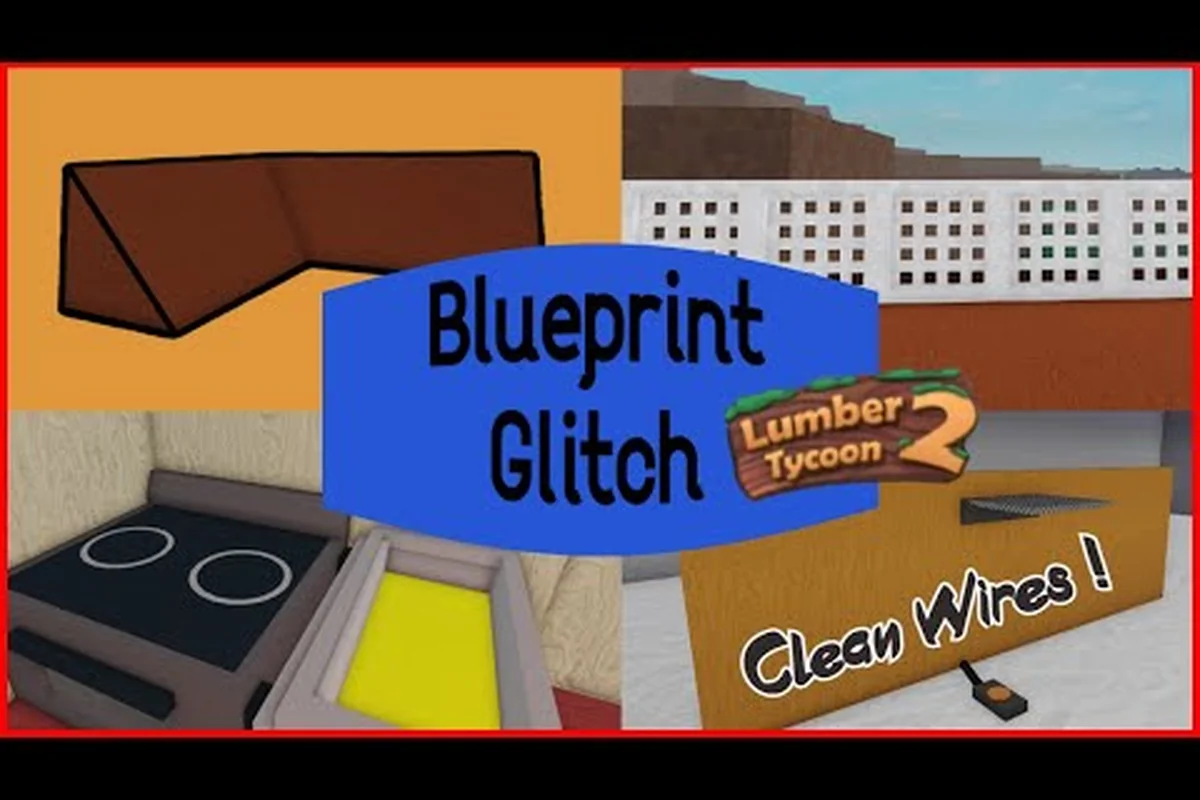
Lumber Tycoon 2 Blueprints: Rotation Glitch and Wiring
Master lumber tycoon 2 blueprints from Fancy Furnishings: place transparent structures, flip vehicles with the rotation glitch, and wire lights and logic gates.
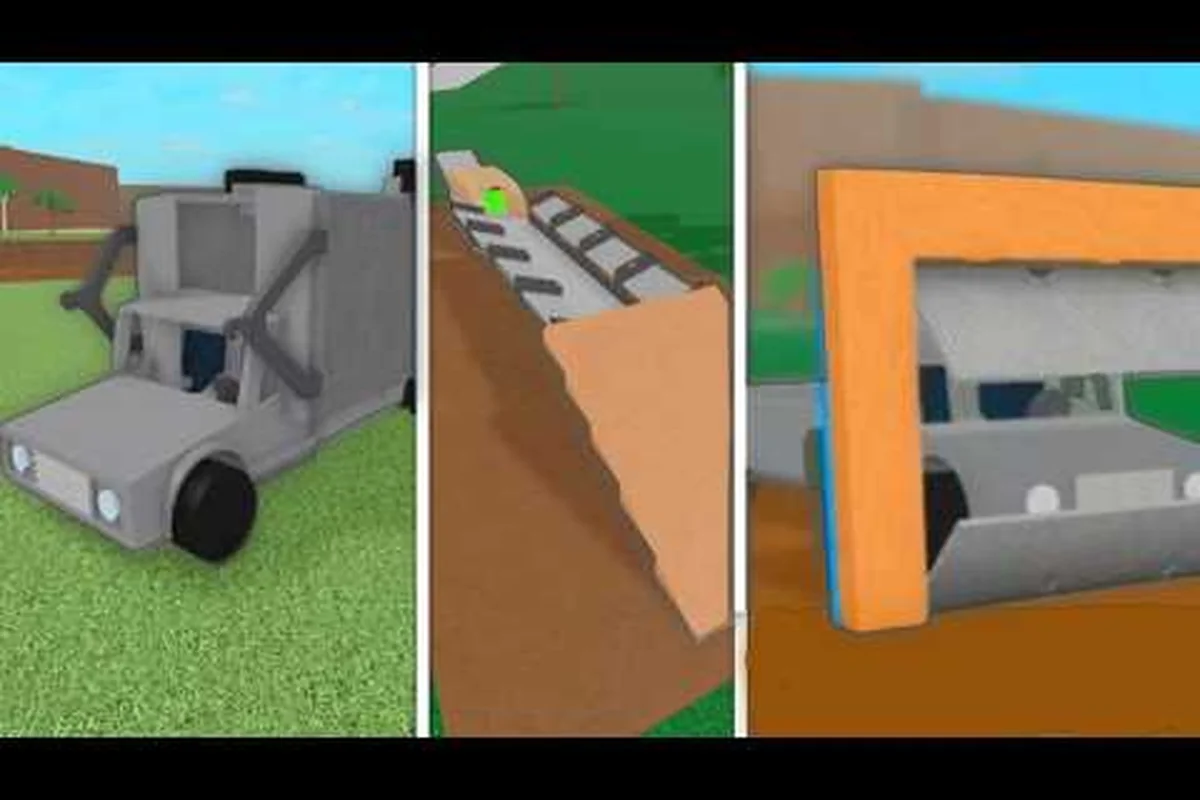
Lumber Tycoon 2 Build Ideas: Starter Base to Super Blueprints
Explore lumber tycoon 2 build ideas from compact starter layouts to Super Blueprints, plus how Strange Man's Easy Building unlocks instant golden construction.
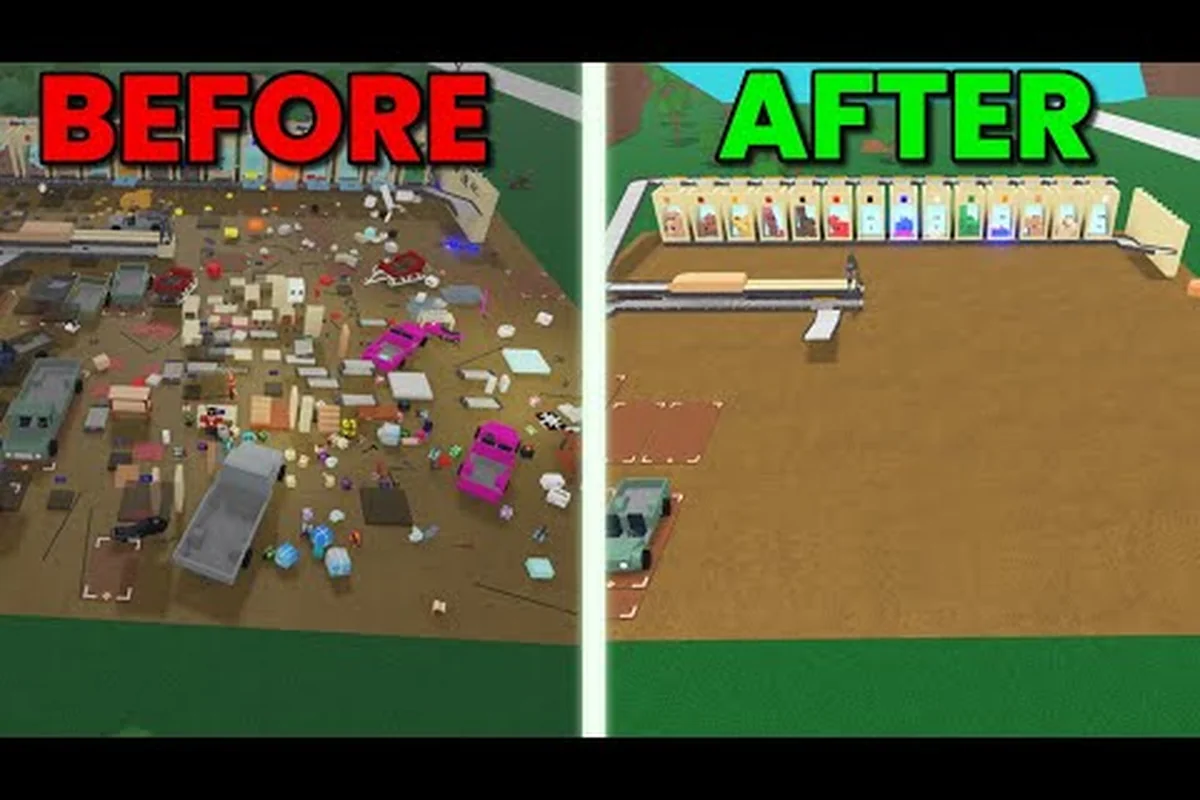
Lumber Tycoon 2 Building Tips: Blueprint Rotation and Limits
Use these lumber tycoon 2 building tips to rotate blueprints for upright vehicles, work within the blueprint limit, and build a house without glitched Gray Wood.
All Articles

Lumber Tycoon 2 Wall Design: Fancy Furnishings and Lights
Decorate with lumber tycoon 2 wall design pieces from Fancy Furnishings and the Fine Arts Shop, including Wall Lights, Floodlights, and paintings for your base.

Lumber Tycoon 2 Base File: Logic Gates and Neon Wire Builds
Design a lumber tycoon 2 base file with Link's Logic gates, XOR and AND circuits, and neon wires that automate doors, lights, and sawmill controls across your plot.
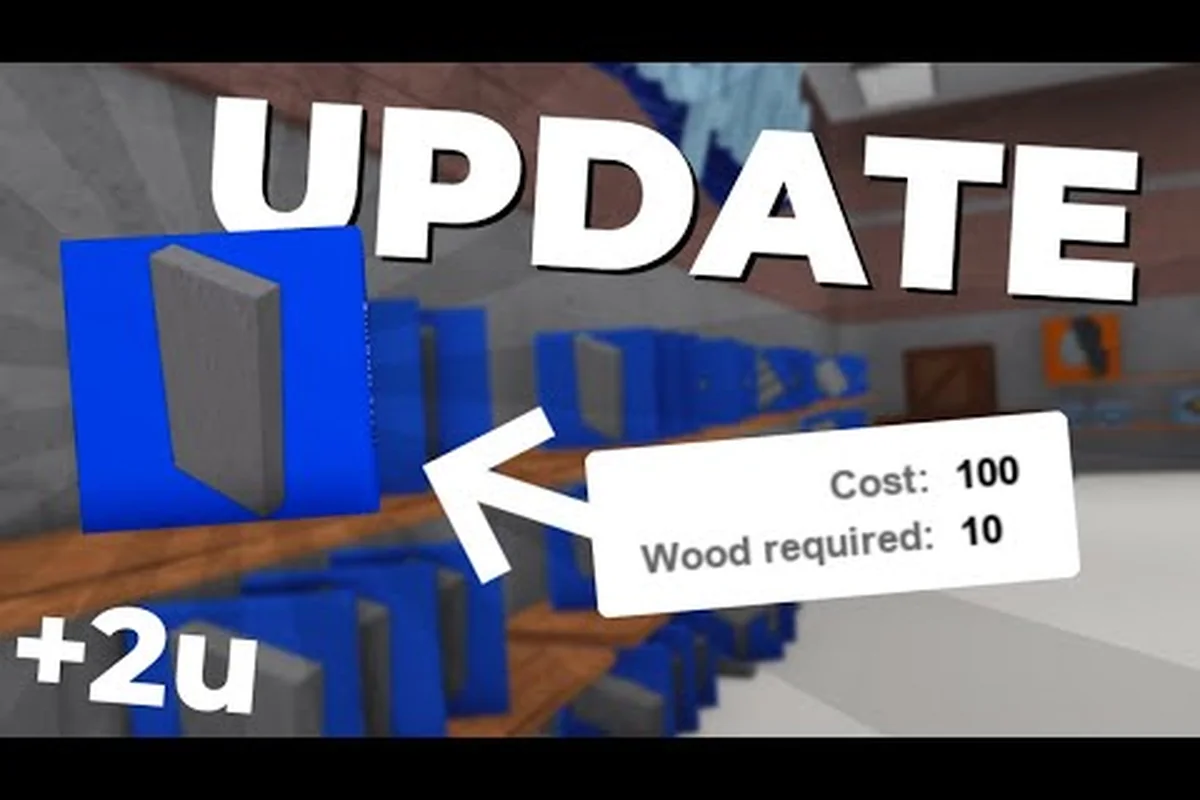
Lumber Tycoon 2 Blueprint Manager and Build Files Explained
Master the lumber tycoon 2 blueprint manager to organize purchased plans, unlock Super Blueprints, and respect build limits before placing structures.
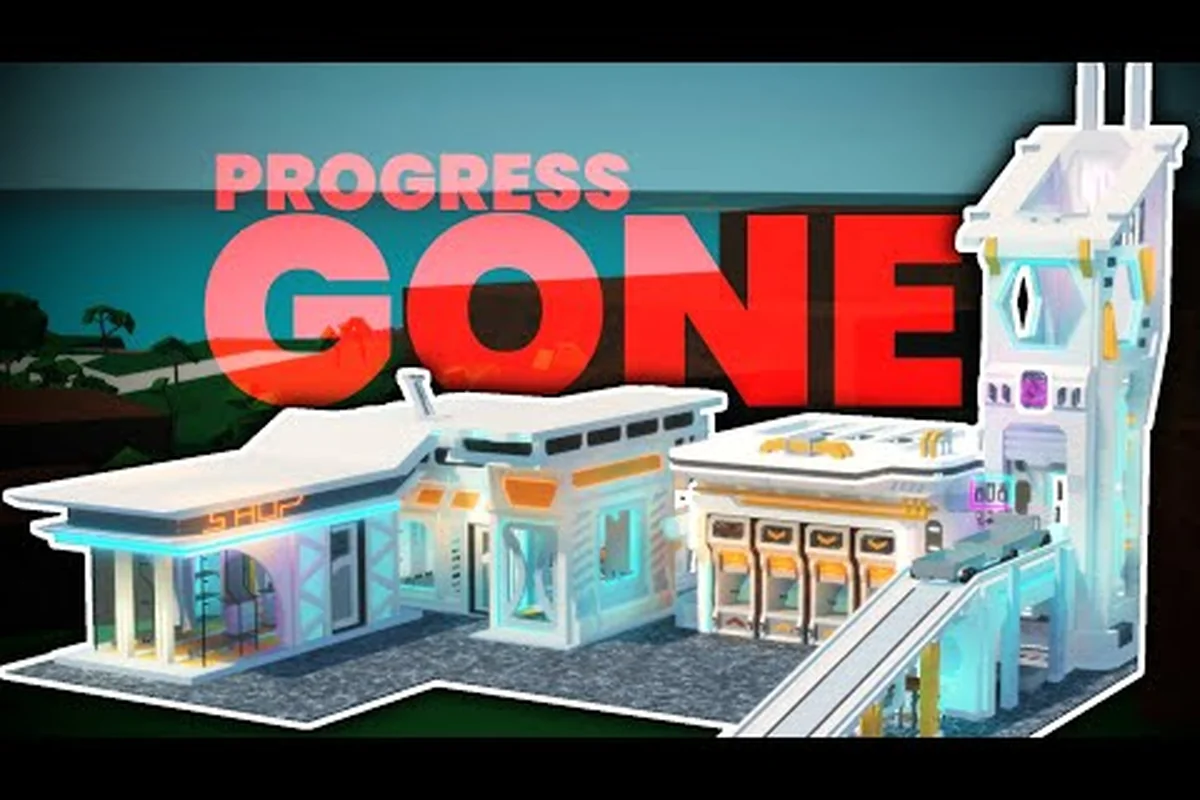
Lumber Tycoon 2 Save Slots: Load Menu and Land Plots
Learn how lumber tycoon 2 save slots work across six land plots, plus what the Load tab does when you switch saves or protect your progress from vanishing.
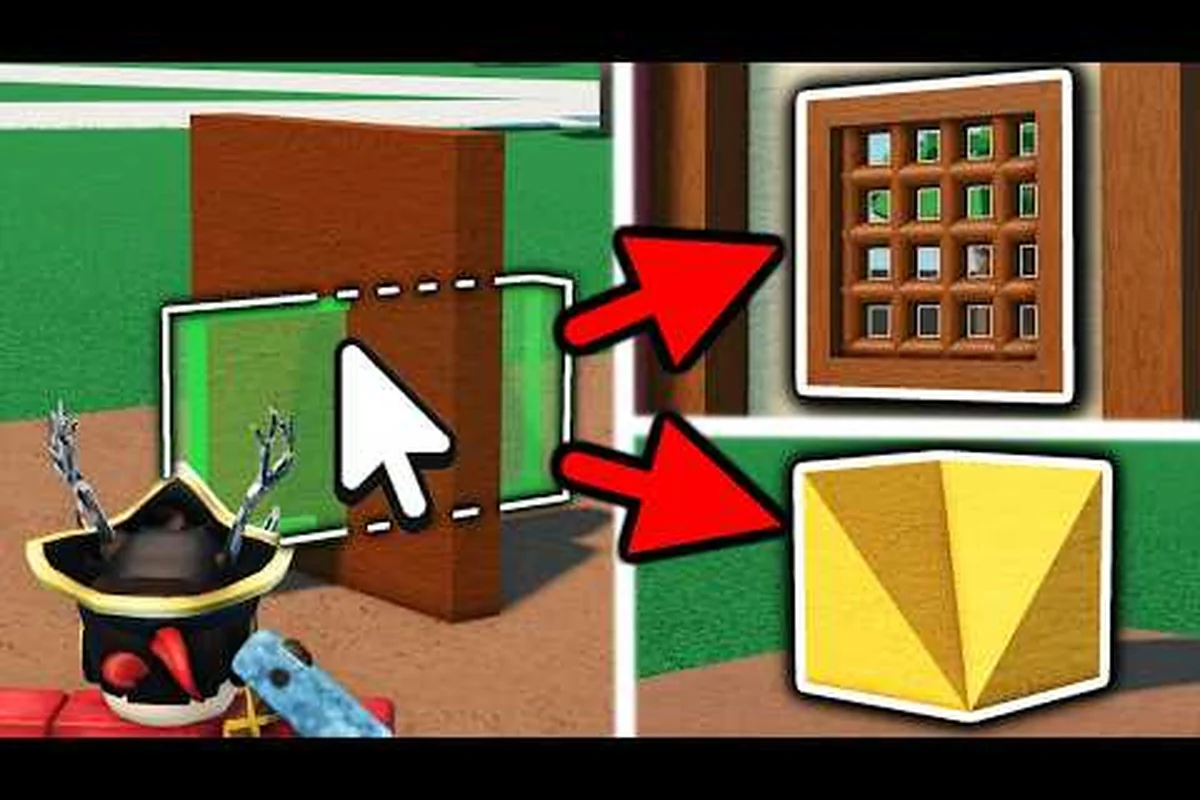
Lumber Tycoon 2 Garage and Kitchen on Your Land Plot
Build a lumber tycoon 2 garage and kitchen on your first land plot, then learn the one-plot challenge and how stocking up on furniture keeps your base functional.