
Fan-Made Community Wiki
Lumber Tycoon 2 Wiki — Axes, Wood Values & Money Guides
Lumber Tycoon 2 is the long-running Roblox sandbox where you fell trees, grade the timber and turn a bare plot into a working lumber empire. Learn every axe, every wood value and the sawmill setups that actually pay.
Community media
Latest Updates
 NEW
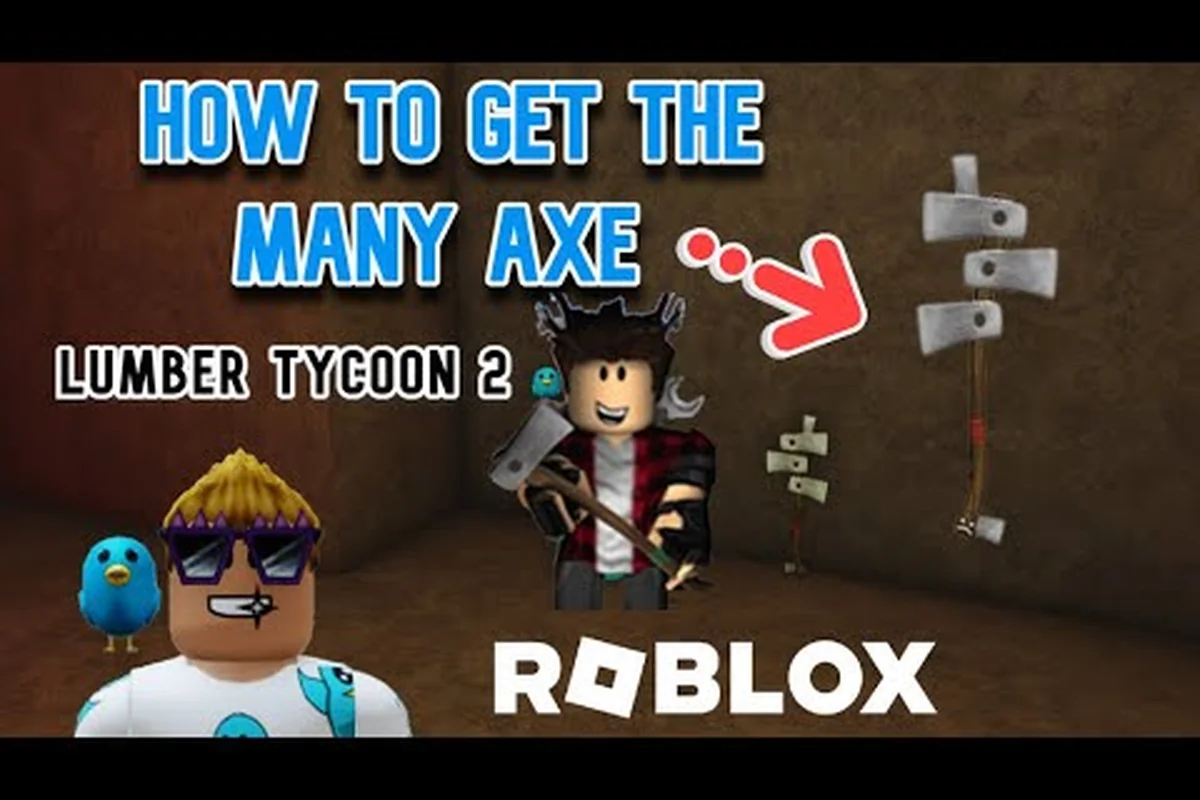
NEWLumber Tycoon 2 The Many Axe and Rarest Axes
Hunt down lumber tycoon 2 the many axe, one of the rarest tools, and see every secret or limited axe you can still obtain.
Read More → NEW
NEWLumber Tycoon 2 Sinister Wood: Spawns and Hunting Tips
Hunt lumber tycoon 2 sinister wood near the volcano and around the map, with spawn conditions, the 3-hour growth time, and tower-based hunting strategies.
Read More →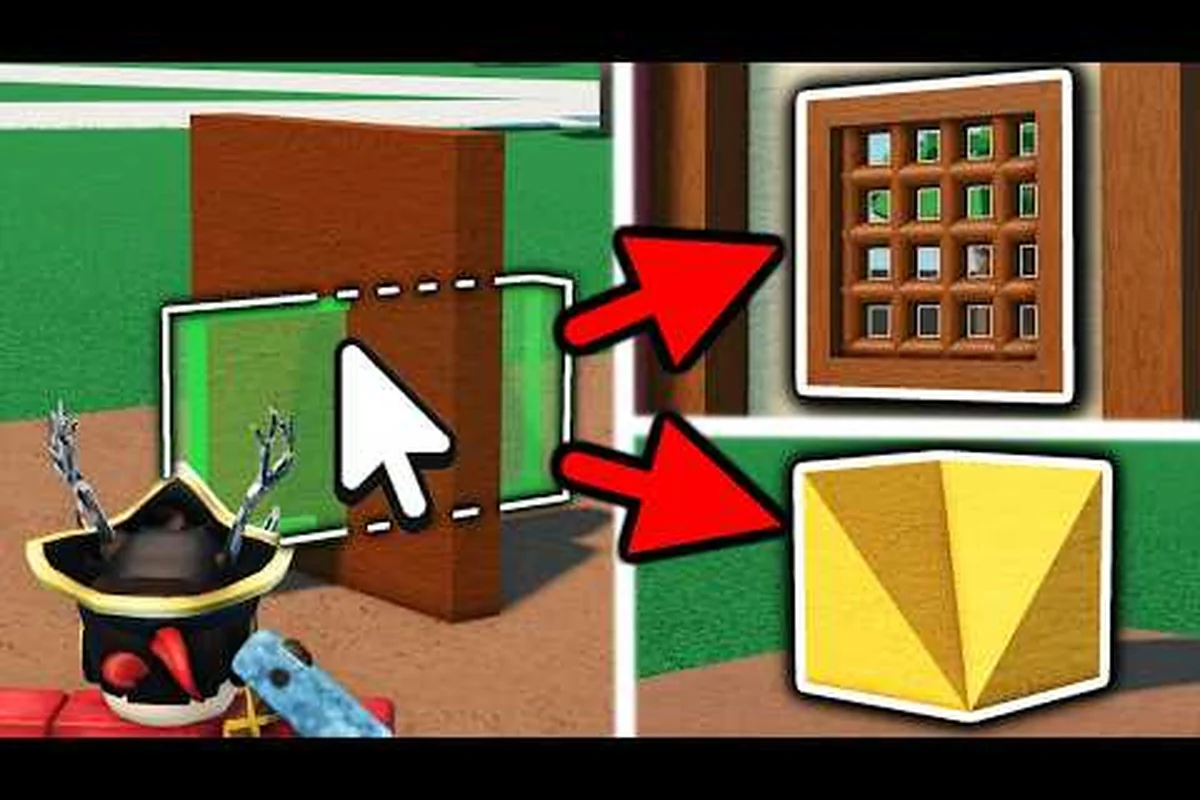 NEW
NEWLumber Tycoon 2 Garage and Kitchen on Your Land Plot
Build a lumber tycoon 2 garage and kitchen on your first land plot, then learn the one-plot challenge and how stocking up on furniture keeps your base functional.
Read More →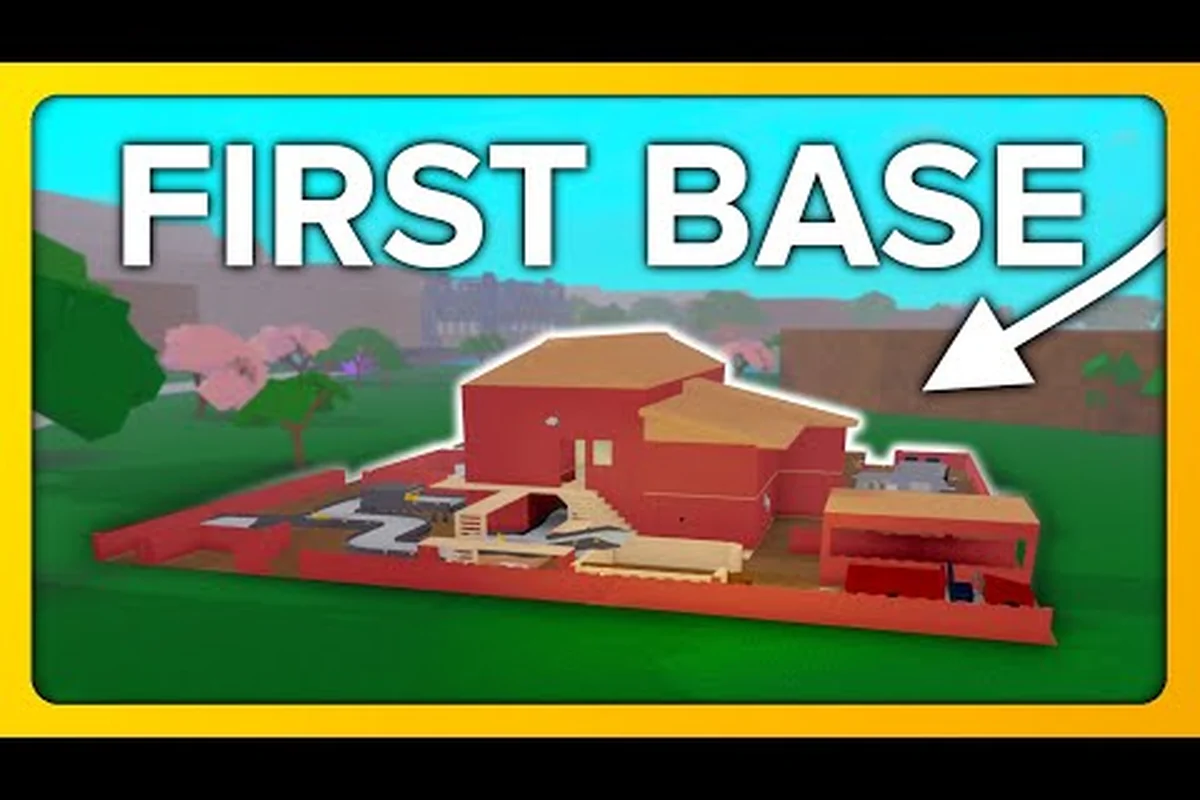 NEW
NEWLumber Tycoon 2 Owner: Ruhven and Game History
Meet the lumber tycoon 2 owner behind the scenes, from Ruhven at the Land Store to Defaultio's development history, Windgate, Test2, and major announcements.
Read More →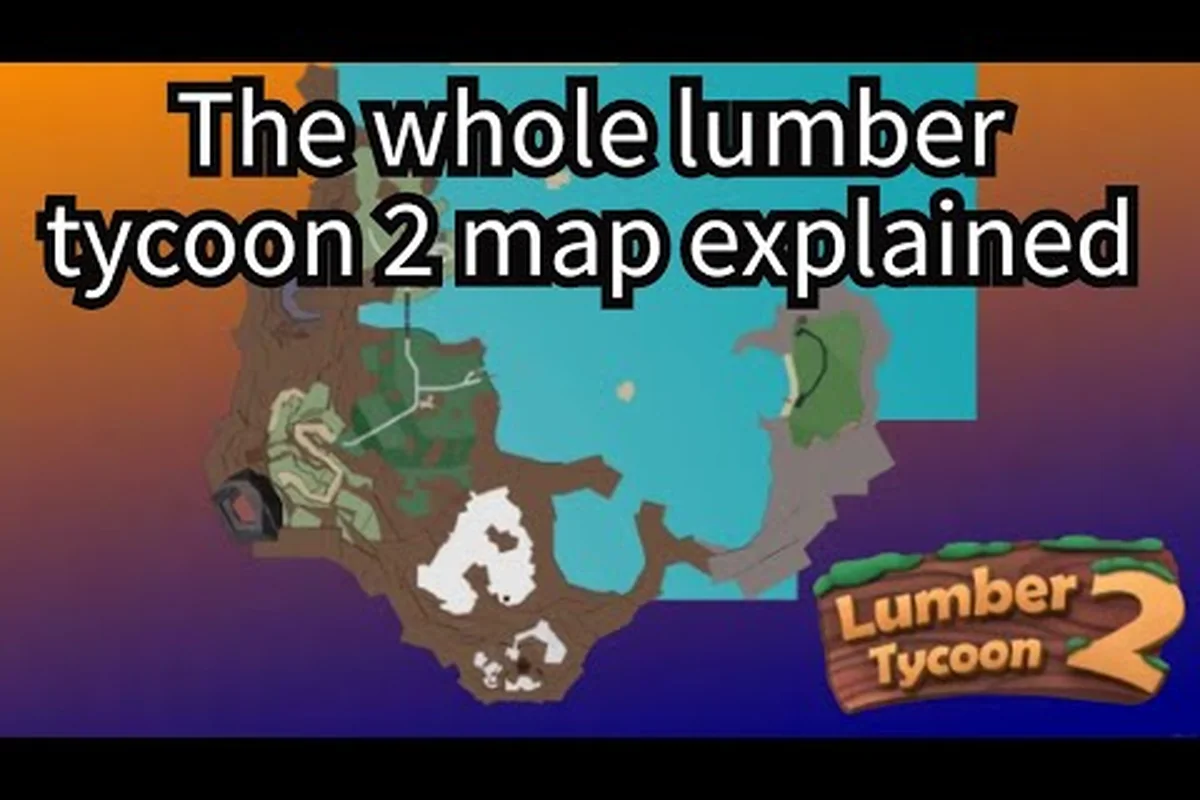 NEW
NEWLumber Tycoon 2 Safari: Safari Square and the Hole
Tour the lumber tycoon 2 safari region next to the Main Biome, including Safari Square shops, the featureless Safari Hole, and its links to the Swamp and Tropics.
Read More →
Lumber Tycoon 2 How to Start: First Hour Money Route
Learn lumber tycoon 2 how to start strong with the Getting Started tutorial, fastest first-hour route from Wood R Us, and how to save before buying land.
Read More →
Lumber Tycoon 2 Quests: NPCs and Event Guide
Explore lumber tycoon 2 quests across Roblox events like Ready Player One and Metaverse Champions, plus every NPC you need to talk to for rewards.
Read More →
Lumber Tycoon 2 Uncopylocked: Play the Source
Is Lumber Tycoon 2 uncopylocked? Learn about the Lumber Unsecure version, the March 2017 source leak, and how to access the game code and music.
Read More →
Lumber Tycoon 2 Axe Stats Compared: Damage, DPS, Range
Compare lumber tycoon 2 axe stats across every tool from the Basic Hatchet to the Rukiryaxe and Beesaxe so you can pick the right chopper.
Read More →
Lumber Tycoon 2 Bird Axe Stats and Tropics Location
Find the lumber tycoon 2 bird axe in the Tropics cave and see its special Lava Wood and Cavecrawler Wood damage multipliers at work.
Read More →NEWLumber Tycoon 2 The Many Axe and Rarest Axes
Hunt down lumber tycoon 2 the many axe, one of the rarest tools, and see every secret or limited axe you can still obtain.
Read More →NEWLumber Tycoon 2 Sinister Wood: Spawns and Hunting Tips
Hunt lumber tycoon 2 sinister wood near the volcano and around the map, with spawn conditions, the 3-hour growth time, and tower-based hunting strategies.
Read More →NEWLumber Tycoon 2 Garage and Kitchen on Your Land Plot
Build a lumber tycoon 2 garage and kitchen on your first land plot, then learn the one-plot challenge and how stocking up on furniture keeps your base functional.
Read More →NEWLumber Tycoon 2 Owner: Ruhven and Game History
Meet the lumber tycoon 2 owner behind the scenes, from Ruhven at the Land Store to Defaultio's development history, Windgate, Test2, and major announcements.
Read More →NEWLumber Tycoon 2 Safari: Safari Square and the Hole
Tour the lumber tycoon 2 safari region next to the Main Biome, including Safari Square shops, the featureless Safari Hole, and its links to the Swamp and Tropics.
Read More →Lumber Tycoon 2 How to Start: First Hour Money Route
Learn lumber tycoon 2 how to start strong with the Getting Started tutorial, fastest first-hour route from Wood R Us, and how to save before buying land.
Read More →Lumber Tycoon 2 Quests: NPCs and Event Guide
Explore lumber tycoon 2 quests across Roblox events like Ready Player One and Metaverse Champions, plus every NPC you need to talk to for rewards.
Read More →Lumber Tycoon 2 Uncopylocked: Play the Source
Is Lumber Tycoon 2 uncopylocked? Learn about the Lumber Unsecure version, the March 2017 source leak, and how to access the game code and music.
Read More →Lumber Tycoon 2 Axe Stats Compared: Damage, DPS, Range
Compare lumber tycoon 2 axe stats across every tool from the Basic Hatchet to the Rukiryaxe and Beesaxe so you can pick the right chopper.
Read More →Lumber Tycoon 2 Bird Axe Stats and Tropics Location
Find the lumber tycoon 2 bird axe in the Tropics cave and see its special Lava Wood and Cavecrawler Wood damage multipliers at work.
Read More →Featured Guides
Lumber Tycoon 2 Beginner Guide: Land, Axes, First Cash
Master the lumber tycoon 2 beginner guide: buy your first land plot from Yes! at the Land Store, grab a Basic Hatchet, and haul Oak for early Lumberbucks.
Read More →
Lumber Tycoon 2 Does Autosave Work? Save Progress Guide
Does lumber tycoon 2 autosave when you leave? Learn how the Load menu works, why your progress can vanish, and how to buy land that persists across sessions.
Read More →
Lumber Tycoon 2 Controls for PC, Xbox, Mobile
Learn lumber tycoon 2 controls on PC, Xbox, and mobile, plus keybinds that reduce lag and make chopping and hauling wood feel smooth.
Read More →
Lumber Tycoon 2 Free Private Server Setup Guide
Set up a lumber tycoon 2 free private server to farm Phantom Wood in the Lone Cave or try Ironman mode without other players interfering.
Read More →
Lumber Tycoon 2 Guide: Core Systems and Progression
Follow this lumber tycoon 2 guide from your first Basic Hatchet to a profitable sawmill, covering controls, saving, land, and the walkthrough path across biomes.
Read More →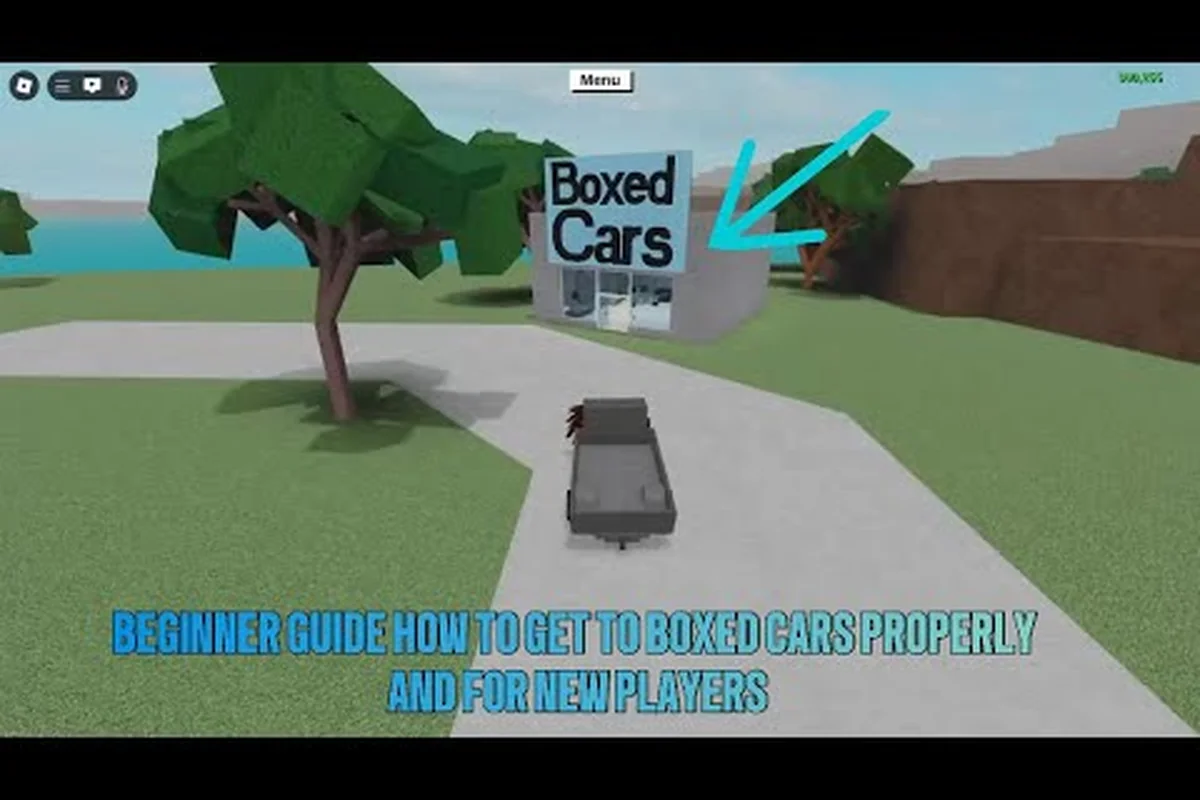
Lumber Tycoon 2 How to Get a Car and Flip It
Discover lumber tycoon 2 how to get a car: buy the Utility Vehicle at Wood R Us, use it for mobile storage, and learn how to flip a flipped truck.
Read More →
Lumber Tycoon 2 What Happened? Updates and Alternatives
What happened to lumber tycoon 2 after the 2017 source leak? See whether Defaultio still updates the 1.3 billion visit Roblox game and what to play instead.
Read More →Lumber Tycoon 2 How to Start: First Hour Money Route
Learn lumber tycoon 2 how to start strong with the Getting Started tutorial, fastest first-hour route from Wood R Us, and how to save before buying land.
Read More →Lumber Tycoon 2 Quests: NPCs and Event Guide
Explore lumber tycoon 2 quests across Roblox events like Ready Player One and Metaverse Champions, plus every NPC you need to talk to for rewards.
Read More →Lumber Tycoon 2 Uncopylocked: Play the Source
Is Lumber Tycoon 2 uncopylocked? Learn about the Lumber Unsecure version, the March 2017 source leak, and how to access the game code and music.
Read More →Lumber Tycoon 2 Beginner Guide: Land, Axes, First Cash
Master the lumber tycoon 2 beginner guide: buy your first land plot from Yes! at the Land Store, grab a Basic Hatchet, and haul Oak for early Lumberbucks.
Read More →Lumber Tycoon 2 Does Autosave Work? Save Progress Guide
Does lumber tycoon 2 autosave when you leave? Learn how the Load menu works, why your progress can vanish, and how to buy land that persists across sessions.
Read More →Lumber Tycoon 2 Controls for PC, Xbox, Mobile
Learn lumber tycoon 2 controls on PC, Xbox, and mobile, plus keybinds that reduce lag and make chopping and hauling wood feel smooth.
Read More →Lumber Tycoon 2 Free Private Server Setup Guide
Set up a lumber tycoon 2 free private server to farm Phantom Wood in the Lone Cave or try Ironman mode without other players interfering.
Read More →Lumber Tycoon 2 Guide: Core Systems and Progression
Follow this lumber tycoon 2 guide from your first Basic Hatchet to a profitable sawmill, covering controls, saving, land, and the walkthrough path across biomes.
Read More →Lumber Tycoon 2 How to Get a Car and Flip It
Discover lumber tycoon 2 how to get a car: buy the Utility Vehicle at Wood R Us, use it for mobile storage, and learn how to flip a flipped truck.
Read More →Lumber Tycoon 2 What Happened? Updates and Alternatives
What happened to lumber tycoon 2 after the 2017 source leak? See whether Defaultio still updates the 1.3 billion visit Roblox game and what to play instead.
Read More →Lumber Tycoon 2 How to Start: First Hour Money Route
Learn lumber tycoon 2 how to start strong with the Getting Started tutorial, fastest first-hour route from Wood R Us, and how to save before buying land.
Read More →Lumber Tycoon 2 Quests: NPCs and Event Guide
Explore lumber tycoon 2 quests across Roblox events like Ready Player One and Metaverse Champions, plus every NPC you need to talk to for rewards.
Read More →Lumber Tycoon 2 Uncopylocked: Play the Source
Is Lumber Tycoon 2 uncopylocked? Learn about the Lumber Unsecure version, the March 2017 source leak, and how to access the game code and music.
Read More →Your Lumber Tycoon 2 Journey
Six short paths that take a brand-new account from a 12-money hatchet to an automated timber line. Pick the one that matches where you are right now.
Beginner Guide
Your first hour in Lumberland — buy a hatchet at Wood R Us, fell an oak, and cash in your first load at the Wood Dropoff conveyor.
Read MoreAxe Guide
Every axe from the Basic Hatchet to the Rukiryaxe and End Times Axe, with damage tiers, unlock routes and current trade availability.
Read MoreWood Values
Full timber reference for every species, where each one grows, and which logs pay best once a sawmill turns them into planks.
Read MoreMoney Making
Sawmill layouts, conveyor auto-unloaders and the fastest legitimate routes from your first thousand to your first million money.
Read MoreBase Building
Blueprints, Easy Building, plot expansion and the Link's Logic wiring that turns a plot into a self-running timber factory.
Read MoreMap & Locations
Every region, cave and landmark — including how to reach the Swamp, Taiga, Volcano and the hidden Den beneath the snow.
Read MoreExplore Lumber Tycoon 2 Guides
Ten modules covering everything a lumber operation needs: the first session, every axe, wood values, sawmill money routes, building and logic, the map, vehicles, trading, the event calendar and the update history.
What is Lumber Tycoon 2?
Lumber Tycoon 2 is a sandbox tycoon game on Roblox from developer Defaultio, and the follow-up to the 2008 original Lumber Tycoon. You start with nothing on a small patch of land, buy a starter hatchet, and make your living by felling trees — then reinvest the proceeds into better tools, vehicles and a bigger plot.
Timber Grading Economy
Every tree species carries its own price, and the same log is worth noticeably more once a sawmill has turned it into planks. The optimisation game is the production chain, not raw chopping speed.
Sawmill Automation
Sawmax machines, conveyors and auto-unloaders let a base keep earning while you are away. Matching mill settings to the wood you actually farm is where real income comes from.
Wiring & Logic Circuits
Link's Logic sells wires, buttons, levers, pressure plates and AND / OR / XOR gates, so you can build cutting, sorting and delivery lines that run without manual input.
Ten Native Regions
From the Oak around spawn to Frost, Phantom and seasonal Spooky Wood, each region grows its own species and carries its own music, forming a natural unlock curve.
What separates it from most Roblox tycoons is how much freedom the map gives you. Ten distinct regions each grow their own native timber, from ordinary Oak near spawn to Phantom and Frost Wood at the far edges of the world, and the price a log fetches depends on both the species and how you process it. Running logs through a sawmill turns them into planks worth considerably more, so the real optimisation game is building an efficient production line on your own land.
On top of that sits a deep construction system. Blueprints, wiring, logic gates and conveyors let players automate chopping, sorting and selling, and a long-running player economy has grown up around trading rare axes and event items. Holiday events such as Halloween and Christmas return every year with limited collectibles, which is a large part of why the game has kept a loyal audience for over a decade.
Developer
Defaultio
Platform
Roblox
Genre
Simulation Tycoon
Visits
1.3B+
Favorites
4.6M+
Regions
10
Max Players
6
Released
2015
Axe Damage Tiers
A quick read on which axe belongs to which damage band, where each one comes from, and whether it can still be obtained today.
Wood By Region
Every region grows a signature species. Farm the best wood your current axe can actually cut, then work up the list as your damage grows.
Oak
Best For: First income and safe practice runs
Koa and Palm
Best For: The first genuine income step
Blue Spruce
Best For: Bridging the gap to the far regions
Frost Wood
Best For: Best wood farmable without trading
Phantom Wood
Best For: Endgame income for organised players
Spooky and Sinister
Best For: Halloween-season timber hunting
Money Methods Compared
How the main income routes compare once you account for setup cost, the time each trip takes and how much of it you can automate.
Regions To Unlock
The map opens up in a rough order. Each new region brings a higher-value species and its own set of hazards.
Lumber Tycoon 2 Topics Players Search For
Lumber Tycoon 2 FAQ
What is the best axe in Lumber Tycoon 2?+
The Rukiryaxe is the strongest axe that is still obtainable without trading, and the End Times Axe takes its place at the Den during the Halloween season. Both sit far above the Silver and Gold Axes that carry most players through the middle of the game. Community measurements put the Rukiryaxe at roughly 4.2 DPS, but treat any single number as an approximation and compare relative strength instead of chasing exact figures.
Which wood is worth the most money?+
Phantom Wood sits at the top of most community price lists, followed closely by Frost Wood from the Taiga Peak, because both sit behind a real travel or bridge requirement that limits supply. Prices for every species move with the player market, so the safe approach is to read a current value list rather than trusting an old number, then run the logs through a sawmill before selling so the same tree pays more.
What is the fastest way to make money?+
Match your axe to trees you can actually fell, then process everything through a sawmill on your own plot instead of selling raw logs at the dropoff. As soon as you can afford one, add a vehicle so each trip carries more than a couple of trunks, and build a conveyor auto-unloader so wood keeps feeding the dropoff while you are cutting elsewhere. Efficiency, not the single most expensive species, is what compounds.
Does Lumber Tycoon 2 save automatically?+
The game does not rely on you remembering to save by hand, but it is worth understanding how the menu works before you close the session. Open the Menu and use the Load and Save options if you want to store or restore a build or an inventory state, and always give the client a moment to finish before leaving. If a purchase or a build seems to have vanished, the usual cause is closing the session mid-action rather than a lost save.
How do I trade safely with other players?+
Only use the in-game trade window with both items visible at once, and re-check a recent value list the same week you trade because prices move quickly. Refuse anything that asks you to drop an item first, split a trade into separate steps, or trust a stranger to hold your item overnight. Screenshot the completed trade so you have evidence if a dispute appears afterwards, and remember that discontinued axes and event items are worth far more than anything still on sale.
How do Lumber Tycoon 2 gifts and events work?+
Most seasonal content runs on a calendar. During the Christmas event you buy and store wrapped gifts through December and open them together on Christmas Day, while the Halloween event spawns Spook and Sinister trees across the map and opens the End Times route at the Den. Roblox-wide crossovers such as The Hunt add a badge and a cosmetic inside the game for a limited window, and those items usually become trade-only once the event closes.
Does Lumber Tycoon 2 still get updates?+
Yes. The developer still ships changes and the live build was refreshed in September 2026, though some patches are deliberately left out of the in-game Changelog so players discover them. Large updates in the past reshaped whole regions and added the wiring and conveyor systems that made base automation possible. Because details change, our update pages date every claim and you should cross-check anything time-sensitive against the game itself.
Ready to Master Lumber Tycoon 2?
From your first oak log to a fully automated sorting line — learn the axes, the wood values and the money routes that veteran lumberjacks use.