
Guides
Lumber Tycoon 2 beginner guides and walkthroughs: the first session, buying land, saving your plot and the routes that turn a fresh account into a working lumber operation.
Introduction
Lumber Tycoon 2 drops you onto a small, mostly empty plot and leaves the rest to you. The opening loop is short and easy to learn, but a surprising number of new players lose their first hour to small misunderstandings: which store actually sells tools, how a fallen log becomes sellable money, and how the menu handles stored progress. This section collects the practical walkthroughs that cover a session start to finish, from buying the 12-money Basic Hatchet at Wood R Us to placing your first sawmill and understanding what happens to your build when you leave the server. Read the beginner guide first if you have never played, then dip into the map, land and vehicle pages whenever something in the world does not behave the way you expected it to.
First-Session Checklist
| Step | What To Do | Why It Matters | Common Mistake |
|---|---|---|---|
| 1 | Buy the Basic Hatchet at Wood R Us for 12 money, then open the box | It is the only tool that reliably cuts the thin trees growing around spawn | Trying to fell a thick trunk before upgrading and losing several minutes to it |
| 2 | Equip the hatchet and keep striking the trunk until the cut line wraps the tree | A tree only falls once the cut is complete, not after a fixed number of swings | Walking away mid-cut and assuming the tree is bugged or unbreakable |
| 3 | Drag the fallen log to the conveyor beside the Wood Dropoff | Loose logs are not sold automatically; the conveyor is what converts timber into money | Leaving logs on the ground and wondering why the balance never changes |
| 4 | Chop logs into smaller pieces before feeding them onto the belt | Oversized logs can jam the line and stall the whole dropoff for everyone nearby | Feeding one enormous trunk and blocking your own income stream |
| 5 | Buy your first plot at the land store, then store your build from the Menu | Owned land is the only place a sawmill or conveyor line can be placed later | Spending the entire first payout on cosmetics instead of production |
Starter Topics
Basic Hatchet Start
The 12-money tool that carries your first hour and sets the pace for everything that follows.
Saving Your Plot
How the Menu handles stored builds and inventory states so nothing disappears between sessions.
Land Purchase
Buying your first plot and expanding it as income grows, rather than trying to do it all at once.
Vehicles And Hauling
Why one cheap vehicle changes your income more than one better axe does at the start.
Controls And Platforms
Keyboard, console and mobile differences, including how to recover a vehicle that has flipped over.
Core Mechanics
The progression loop is built on one exchange rate: time spent felling and processing timber against the money that timber returns. Everything else is a multiplier on that rate. A better axe lets you cut thicker species that a starter hatchet simply cannot finish. A sawmill converts logs into planks worth more than the raw material, so the same tree pays twice. A vehicle raises how much of that output you can move per trip, and conveyors let the whole chain keep running while you are away from the plot. Because each step multiplies the previous one, the correct order is always axe first, then land, then processing, then transport, then automation. Players who buy in the opposite order spend far more time for the same income.
Advantages
Lumber Tycoon 2 is unusually forgiving for a tycoon game of its age. There is no energy system, no daily cap on how much you can earn, and no way to permanently lose an account's progress through normal play. The ten regions give a new player a clear sense of direction without gating them behind a paywall, and the free starter hatchet means a first session costs nothing but time. Automation is available to everyone as well, because Link's Logic, conveyors and the sawmill machines are bought with earned money rather than premium currency. The game also runs on PC, console and mobile, so a session can continue across devices without losing the plot you have built.
Challenges
The two real costs are time and information. Nothing in the opening hours explains which species is worth farming, what a sawmill changes about the value of a log, or how the bridge and Taiga routes unlock, so a new player can spend a long time on the wrong tree with no feedback that anything is wrong. The map makes this worse, because regions look similar until you know which one you are standing in, and the maze layout in particular changes between versions. Community price lists also move faster than any published table, so any number you read should be treated as a starting point rather than a guarantee. Finally, the game is old enough that controls and behaviours are sometimes learned from other players rather than from the game itself.
Frequently Asked Questions
What should I do first in Lumber Tycoon 2?+
How do I save my progress in Lumber Tycoon 2?+
Can I play Lumber Tycoon 2 on mobile or console?+
Do I need to spend Robux to enjoy the game?+
Quick Tips
Match the axe to the tree rather than the price tag. A mid-tier axe on a species you can finish quickly will out-earn an expensive axe that stalls halfway through every trunk, because the time you spend finishing a cut is time you are not hauling or processing. Upgrade when a specific species is blocking you, not because a tier list says a tool is strong.
Drag every log through the conveyor before you walk away. Loose trunks left on the ground earn nothing and also clutter the dropoff for other players, which makes the whole area slower. If a log is too large to feed, chop it into pieces first, because a jammed line stops your own income as well as everyone else's.
Buy land before you buy cosmetics, and expand it in step with your income rather than in one large purchase. Space has no value on its own; it only becomes valuable once there is a sawmill or a conveyor line to put on it. A plot that doubles your production is worth far more than a plot that simply looks finished.
Treat every published wood price as a snapshot, not a rule. Player economics move faster than any table can be updated, so use the relative order between species as your guide and confirm current numbers before you commit a long farming session or a trade to them. The same caution applies to any single damage figure you read about a specific axe.
Featured
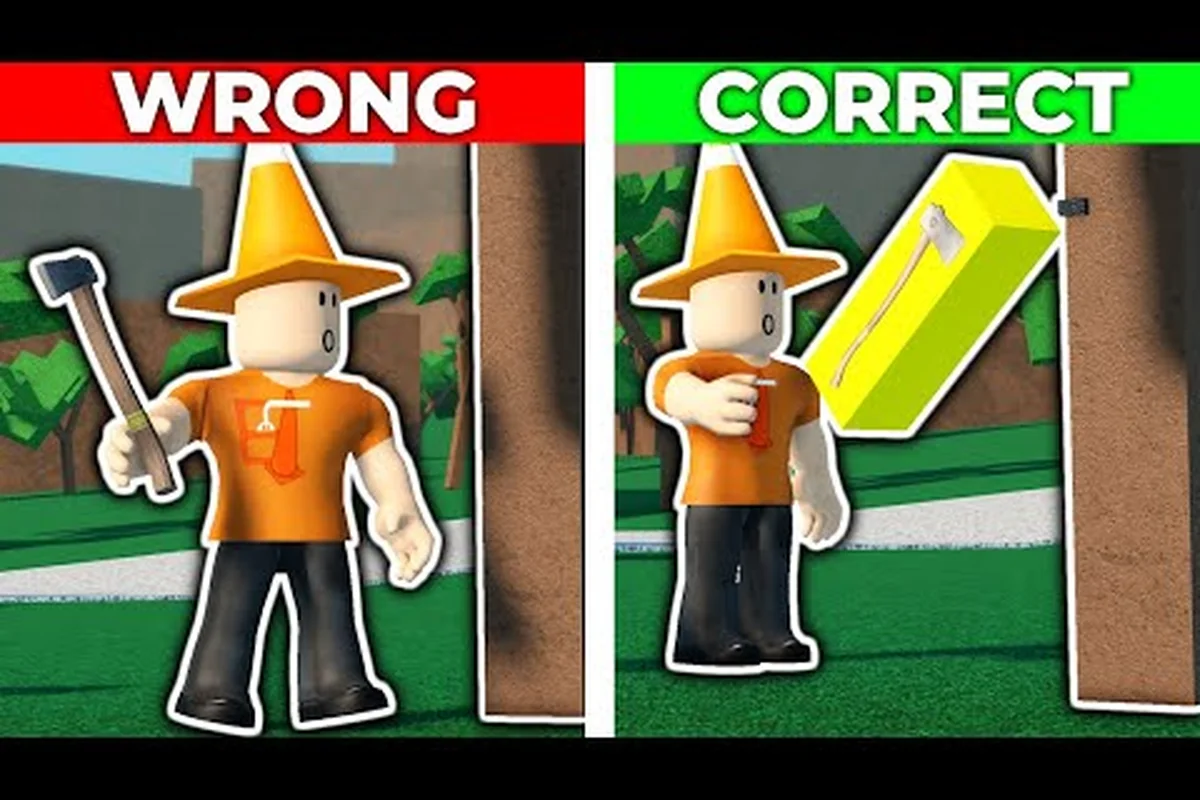
Lumber Tycoon 2 Beginner Guide: Land, Axes, First Cash
Master the lumber tycoon 2 beginner guide: buy your first land plot from Yes! at the Land Store, grab a Basic Hatchet, and haul Oak for early Lumberbucks.
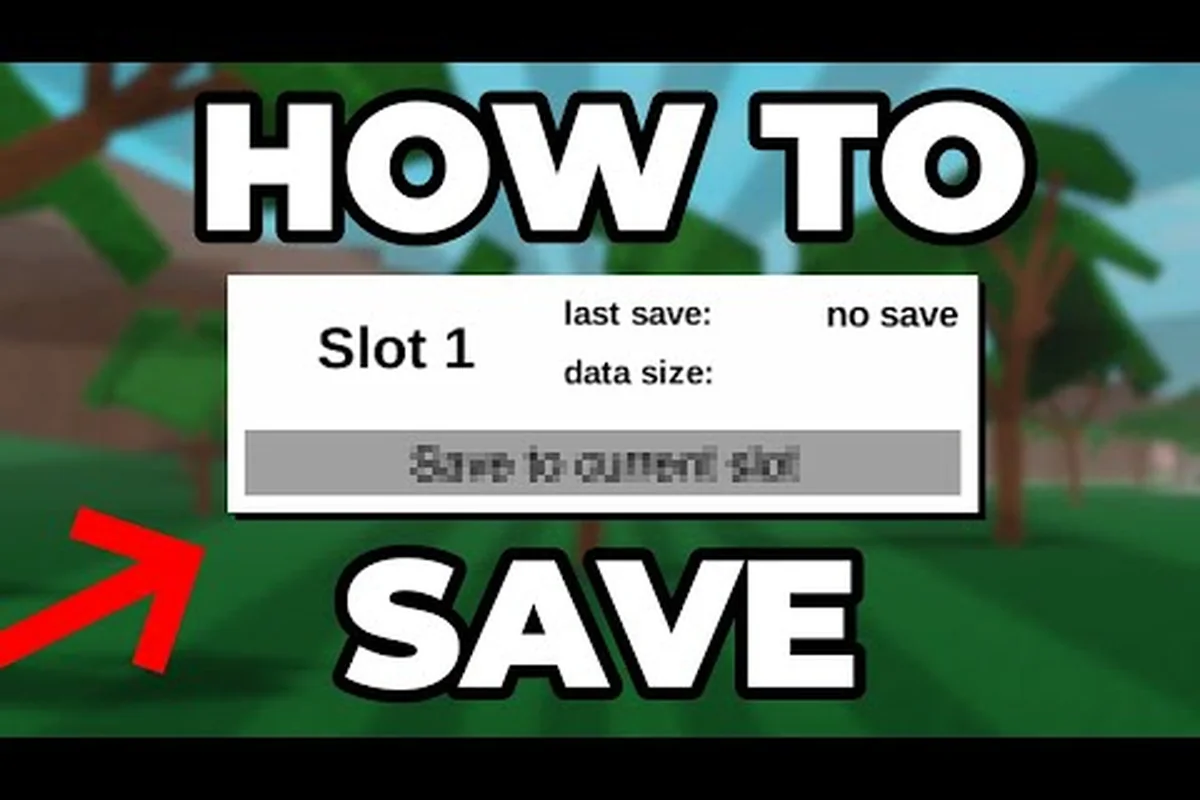
Lumber Tycoon 2 Does Autosave Work? Save Progress Guide
Does lumber tycoon 2 autosave when you leave? Learn how the Load menu works, why your progress can vanish, and how to buy land that persists across sessions.

Lumber Tycoon 2 Controls for PC, Xbox, Mobile
Learn lumber tycoon 2 controls on PC, Xbox, and mobile, plus keybinds that reduce lag and make chopping and hauling wood feel smooth.
All Articles
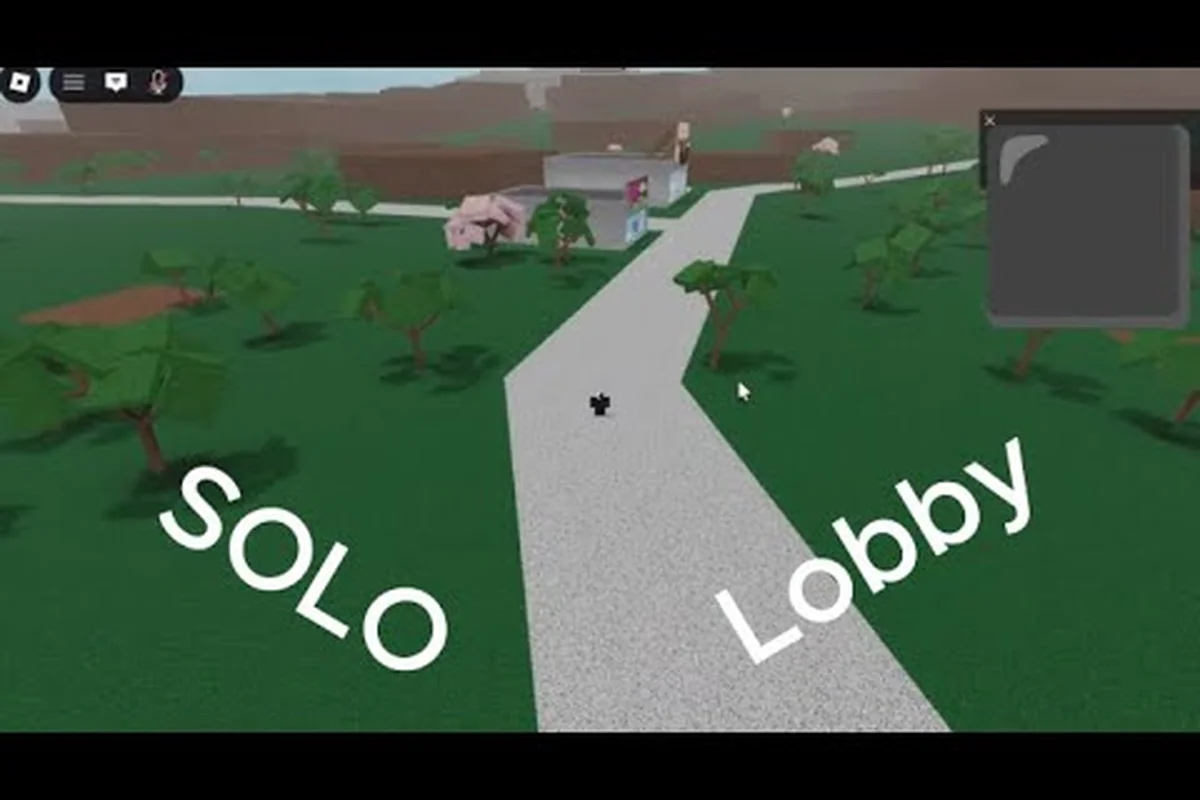
Lumber Tycoon 2 Free Private Server Setup Guide
Set up a lumber tycoon 2 free private server to farm Phantom Wood in the Lone Cave or try Ironman mode without other players interfering.

Lumber Tycoon 2 Guide: Core Systems and Progression
Follow this lumber tycoon 2 guide from your first Basic Hatchet to a profitable sawmill, covering controls, saving, land, and the walkthrough path across biomes.
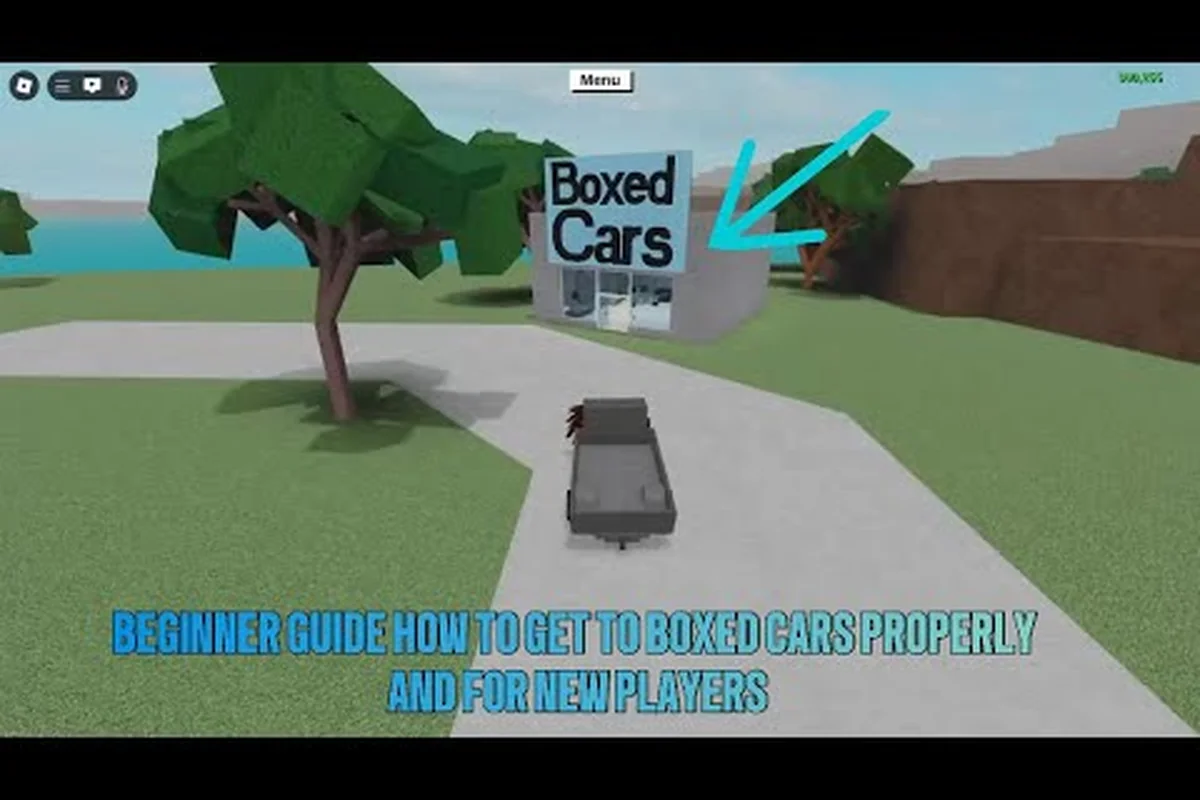
Lumber Tycoon 2 How to Get a Car and Flip It
Discover lumber tycoon 2 how to get a car: buy the Utility Vehicle at Wood R Us, use it for mobile storage, and learn how to flip a flipped truck.

Lumber Tycoon 2 What Happened? Updates and Alternatives
What happened to lumber tycoon 2 after the 2017 source leak? See whether Defaultio still updates the 1.3 billion visit Roblox game and what to play instead.
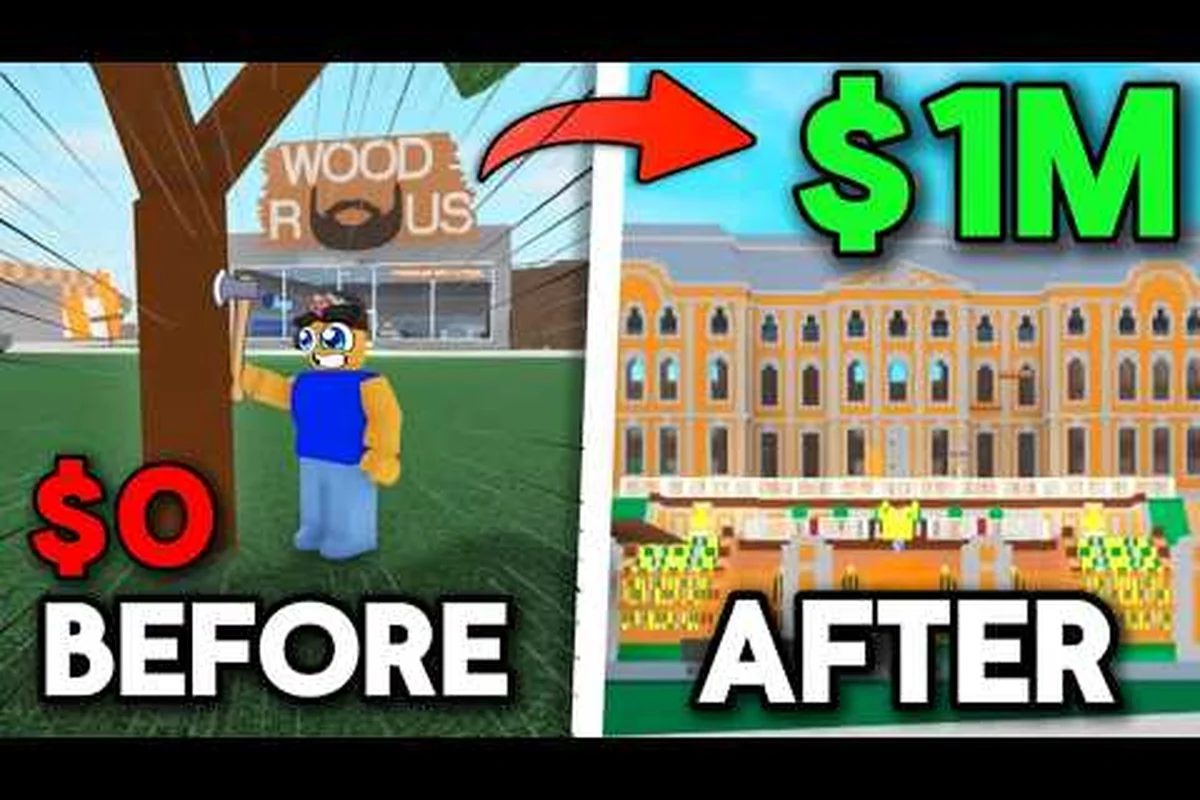
Lumber Tycoon 2 How to Start: First Hour Money Route
Learn lumber tycoon 2 how to start strong with the Getting Started tutorial, fastest first-hour route from Wood R Us, and how to save before buying land.

Lumber Tycoon 2 Quests: NPCs and Event Guide
Explore lumber tycoon 2 quests across Roblox events like Ready Player One and Metaverse Champions, plus every NPC you need to talk to for rewards.
Lumber Tycoon 2 Uncopylocked: Play the Source
Is Lumber Tycoon 2 uncopylocked? Learn about the Lumber Unsecure version, the March 2017 source leak, and how to access the game code and music.