
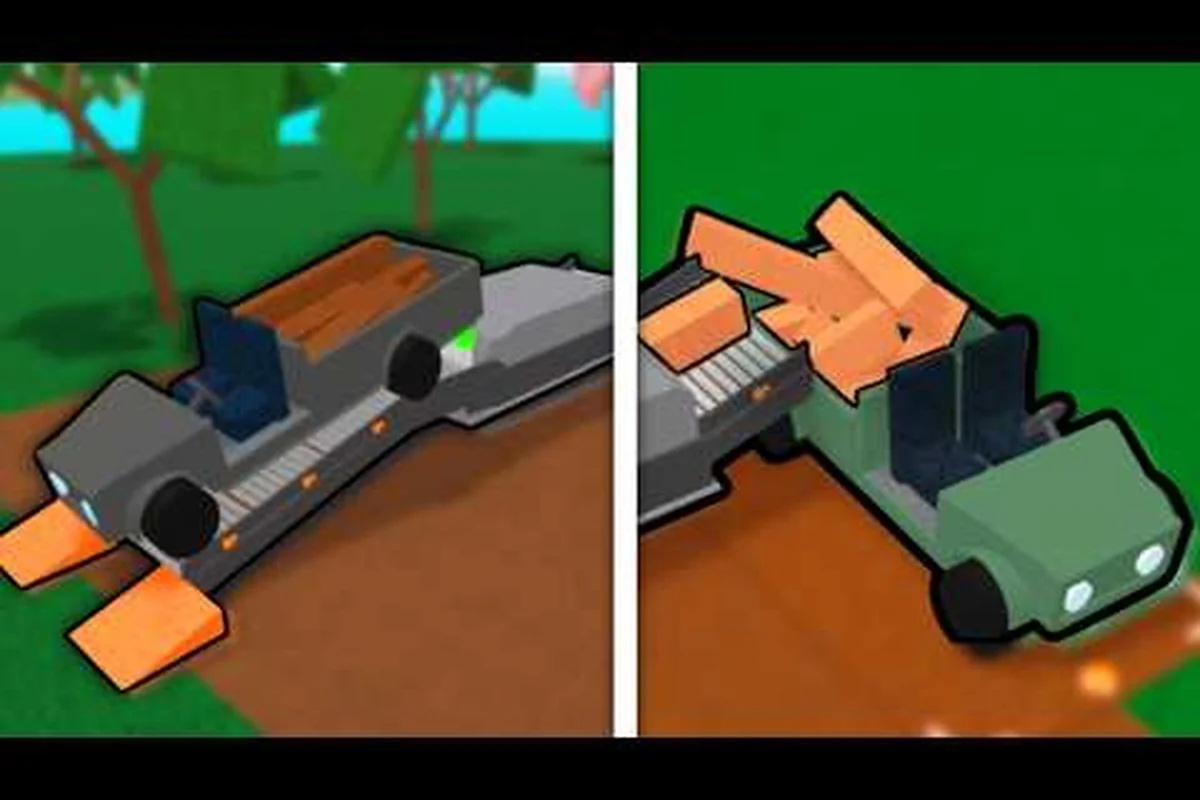
A lumber tycoon 2 automatic sawmill turns the most tedious part of the game — dragging logs back and forth — into a passive income stream. When you wire a Chop Saw to a Wood Detector and a Signal Sustain, the machine cuts and processes wood while you focus on harvesting the next tree. This guide breaks down the exact wiring sequence, the sawmill size you need, and where to sell wood for maximum profit.
Understanding the Automatic Sawmill Components
Before you touch a single wire, you need to understand what each component does and why the automatic setup works. The core loop is simple: a Wood Detector watches for a specific wood type, sends a signal when it sees that wood, and that signal triggers a Chop Saw to cut the log into sellable pieces. The Signal Sustain holds the signal long enough for the saw to complete its cut, which prevents the machine from stalling mid-cycle.
The Chop Saw is purchased from Wood R Us, and according to the Chop Saw community wiki, it is a free-standing saw that allows players to chop logs and planks into smaller pieces. This is the workhorse of any automatic sawmill build because it can process oversized logs that standard sawmills reject. The Wood Detector and Signal Sustain both come from Link's Logic, which means you need to visit two separate shops before you can start building.
| Component | Shop Location | Function | Key Detail |
|---|---|---|---|
| Chop Saw | Wood R Us | Cuts logs and planks into smaller pieces | Free-standing, handles oversized wood |
| Wood Detector | Link's Logic | Outputs signal when matching wood is in front | Requires a wood sample inserted |
| Signal Sustain | Link's Logic | Passes signal from input to output after delay | Prevents signal drop mid-cut |
| Conveyor Belt | Wood R Us | Moves cut pieces toward sell zone | Optional but recommended for full automation |
The key insight here is that none of these components work in isolation. A Chop Saw by itself is just a manual tool — you have to walk up and interact with it every time. The magic happens when the Wood Detector automates that interaction by sending a signal the moment it detects the right wood type in front of it.
Wiring the Automatic Sawmill Step by Step
The wiring sequence is where most players get stuck, so follow this order exactly. The goal is to create a loop where wood enters the detection zone, the detector fires, the signal sustain holds the pulse, and the Chop Saw executes the cut. If you wire the components in the wrong order, the saw will either fire constantly or never fire at all.
Step 1: Position the Wood Detector
Place the Wood Detector at the point where logs enter your processing area. It needs a clear line of sight to the incoming wood, so avoid placing it behind other machines or at an angle where the log slides past too quickly. Insert a wood sample into the detector — this tells the machine exactly which wood type to watch for. If you are processing Oak Wood, insert an Oak plank; if you are running Frost Wood, insert a Frost sample.
The detector only outputs a signal when it detects the matching wood type directly in front of it. This means your conveyor or drop zone must feed logs into the detector's field of view consistently. Players report that the detector works best when the log is stationary for at least half a second, which is why a Signal Sustain is essential for the next step.
Step 2: Connect the Signal Sustain
Wire the Wood Detector output into the Signal Sustain input. The Signal Sustain passes the signal from input to output after a set delay time, which means the pulse stays active long enough for the Chop Saw to complete its full cutting animation. Without this component, the detector's signal is too brief — the saw starts to spin but stops before the log is fully cut.
Set the delay to match your Chop Saw's cutting speed. Community testing suggests a delay of 1.5 to 2 seconds works for most wood types, though harder woods like Lava Wood may need slightly longer. The Signal Sustain model is visually similar to other logic items, so double-check you have the right one before wiring.
Step 3: Trigger the Chop Saw
Connect the Signal Sustain output to the Chop Saw input. When the sustained signal reaches the saw, it activates and cuts whatever wood is in front of it. This is the moment the automatic loop completes: wood enters → detector fires → signal sustains → saw cuts → cut pieces fall onto a conveyor or collection bin.
The wiring order matters because the Chop Saw only responds to a signal that lasts long enough for its animation to finish. If you skip the Signal Sustain and wire the detector directly to the saw, you get a half-cut log and a jammed processing line. That is the most common cause of a lumber tycoon 2 sawmill not working, and it is almost always a wiring sequence error rather than a broken component.
| Wiring Step | Component | Connection | Common Mistake |
|---|---|---|---|
| 1 | Wood Detector | Place at log entry point, insert wood sample | Wrong wood sample inserted |
| 2 | Signal Sustain | Detector output → Sustain input | Skipping this component entirely |
| 3 | Chop Saw | Sustain output → Saw input | Direct detector-to-saw wiring |
| 4 | Conveyor | Saw output area → Sell zone | No collection bin at end |
Choosing the Right Sawmill Size
Sawmill size determines what you can process and how fast you can turn logs into money. The Fair Sawmill is the intermediate option, and according to the Fair Sawmill community wiki, it supports a maximum Plank Cross Section of X2.4, Y1.6 and can process logs up to 1.6 units in thickness. That is enough for most mid-game wood types, but it will choke on the oversized logs you find in late-game zones.
The Chop Saw bypasses the size limitation entirely because it cuts logs into smaller pieces before they reach the main sawmill. This is why the automatic setup pairs a Chop Saw with a standard sawmill — the Chop Saw reduces oversized logs to manageable chunks, and the sawmill processes those chunks into planks. If you are asking about lumber tycoon 2 sawmill size, the answer is that your main sawmill needs to handle the wood types you farm most often, while the Chop Saw handles everything too large for that mill.
Sawmax 02L and Processing Capacity
The Sawmax 02L is a popular choice for players building their first automatic setup because it balances cost against processing speed. Community reports indicate that the Sawmax 02L handles standard wood types efficiently, though it struggles with the densest late-game woods. If your lumber tycoon 2 sawmax 02l is not cutting properly, check that the log is positioned correctly on the feed belt and that no debris is blocking the blade path.
For a full comparison of wood values and which types are worth processing automatically, the wood types guide breaks down every species and its sell price. High-value woods like Gold Wood and Frost Wood justify the cost of a larger sawmill, while common woods like Oak are better processed in bulk with a smaller, faster machine.
| Sawmill Model | Max Plank Cross Section | Best For | Limitation |
|---|---|---|---|
| Sawmax 02L | Standard mid-game woods | Bulk Oak, Birch, Cherry | Struggles with dense late-game wood |
| Fair Sawmill | X2.4, Y1.6 | Mid-game to late-game woods | Cannot process oversized logs |
| Chop Saw | Any size (cuts into pieces) | Oversized and specialty logs | Requires manual or automated trigger |
Troubleshooting a Sawmill That Is Not Working
A lumber tycoon 2 sawmill not working is frustrating because the cause is rarely obvious. The most common issues fall into three categories: wiring errors, positioning errors, and wood sample mismatches. Work through these checks in order before you tear down your entire build.
Check the Wood Sample First
The Wood Detector only fires when it sees the exact wood type matching its inserted sample. If you inserted an Oak sample but you are feeding Birch logs through the line, the detector will never trigger, and the saw will never cut. This is the single most common cause of a stalled automatic sawmill, and it takes ten seconds to fix. Remove the sample, insert the correct one, and test the line again.
Verify the Signal Sustain Delay
If the saw fires but stops before the cut completes, your Signal Sustain delay is too short. Increase the delay by half a second and test again. If the saw does not fire at all, check that the sustain is actually receiving the detector's signal — a broken wire or a misaligned connection point will silently kill the entire loop. Players report that wiring connections sometimes fail when a machine is moved after being wired, so re-check every connection point after any repositioning.
Clear Debris and Check Positioning
Cut wood pieces can pile up and block the Chop Saw blade, which causes the machine to jam. Clear the area around the saw after every few cycles, or add a conveyor to move cut pieces away automatically. The Wood Detector also needs a clear line of sight — if a pile of planks is blocking its view, it will not detect incoming logs even when the sample matches.
Where to Sell Wood for Maximum Profit
Knowing lumber tycoon 2 where to sell wood is just as important as processing it efficiently. The main sell point is the Wood Dropoff near the spawn area, but prices vary by wood type and market conditions. The all wood locations guide maps every tree species and its sell price, which helps you decide which woods are worth the trip.
To sell wood efficiently, set up your automatic sawmill close to the dropoff point. The shorter the distance between your processing line and the sell zone, the faster you can cycle logs through and collect cash. Some players build a Conveyor Belt chain from the saw output directly to the dropoff, which eliminates manual hauling entirely. That is the endgame goal of any automatic setup: wood goes in, money comes out, and you never touch a single log.
| Wood Type | Relative Sell Value | Processing Difficulty | Automatic Setup Worth It? |
|---|---|---|---|
| Oak Wood | Low | Easy | Yes, for bulk volume |
| Birch Wood | Low-Mid | Easy | Yes, for bulk volume |
| Frost Wood | High | Hard | Yes, high profit per log |
| Gold Wood | Very High | Very Hard | Yes, but needs Chop Saw |
| Lava Wood | High | Very Hard | Yes, but slow processing |
The Chop Saw is especially valuable for high-tier woods because it lets you process logs that would otherwise be too large for your main sawmill. When you combine a Chop Saw with a Fair Sawmill or Sawmax 02L, you create a two-stage system that handles every wood type in the game. That flexibility is what makes the automatic sawmill the best money-making investment in Lumber Tycoon 2.
Optimizing Your Automatic Sawmill for Passive Income
Once the basic loop works, you can optimize it for faster cycles and higher profit per hour. The first upgrade is adding a second Chop Saw in parallel so two logs can be processed simultaneously. The second upgrade is extending your conveyor system so cut pieces flow directly to the sell zone without any manual intervention. The third upgrade is adding a Wood Detector for each wood type you farm regularly, so you can switch between species without reconfiguring the entire line.
The can of worms guide covers the Wood Detector in more detail, including how to obtain one if you have not unlocked Link's Logic yet. The detector is the brain of the whole operation, so understanding its quirks — like the fact that it only detects wood directly in front of it — will save you hours of troubleshooting.
Scaling Up Your Operation
When you are ready to scale, consider building a second automatic sawmill at a different wood location. This lets you process two wood types simultaneously, which doubles your passive income without doubling your active play time. The setup cost is significant — each Chop Saw, Wood Detector, and Signal Sustain costs money — but the return on investment is fast if you are processing high-value woods.
Community data suggests that a fully optimized automatic sawmill can process 30 to 50 logs per hour depending on wood type and conveyor speed. At mid-game wood prices, that translates to a steady stream of income that requires almost no active input once the line is running. The key is to keep the line fed — the machines do the cutting and selling, but you still need to harvest logs and drop them into the detection zone.
Frequently Asked Questions
Why is my lumber tycoon 2 automatic sawmill not cutting anything?
Check the Wood Detector sample first — if the inserted sample does not match the wood type entering the line, the detector never fires. Then verify the Signal Sustain delay is long enough for the Chop Saw to complete its cut. Finally, check for debris blocking the blade or the detector's line of sight.
What is the best sawmill size for an automatic setup?
The Fair Sawmill is the sweet spot for most players because it processes logs up to 1.6 units thick and supports a Plank Cross Section of X2.4, Y1.6. Pair it with a Chop Saw to handle oversized logs, and you can process every wood type in the game without upgrading further.
Where do I sell wood after processing it automatically?
The main sell point is the Wood Dropoff near the spawn area. Build your automatic sawmill as close to this dropoff as possible, or run a Conveyor Belt chain from the saw output directly to the sell zone. This eliminates manual hauling and completes the passive income loop.
Can the Sawmax 02L handle late-game woods?
The Sawmax 02L works well for standard mid-game woods like Oak and Birch, but it struggles with dense late-game woods like Lava Wood and Gold Wood. Use a Chop Saw to pre-cut those oversized logs before they reach the Sawmax 02L, or upgrade to a Fair Sawmill for direct processing.
How do I make the automatic sawmill fully passive?
The full passive loop requires a Wood Detector to trigger the saw, a Signal Sustain to hold the signal, a Chop Saw to cut the log, and a Conveyor Belt to move cut pieces to the sell zone. You still need to harvest logs and drop them into the detection zone, but everything after that point runs automatically.